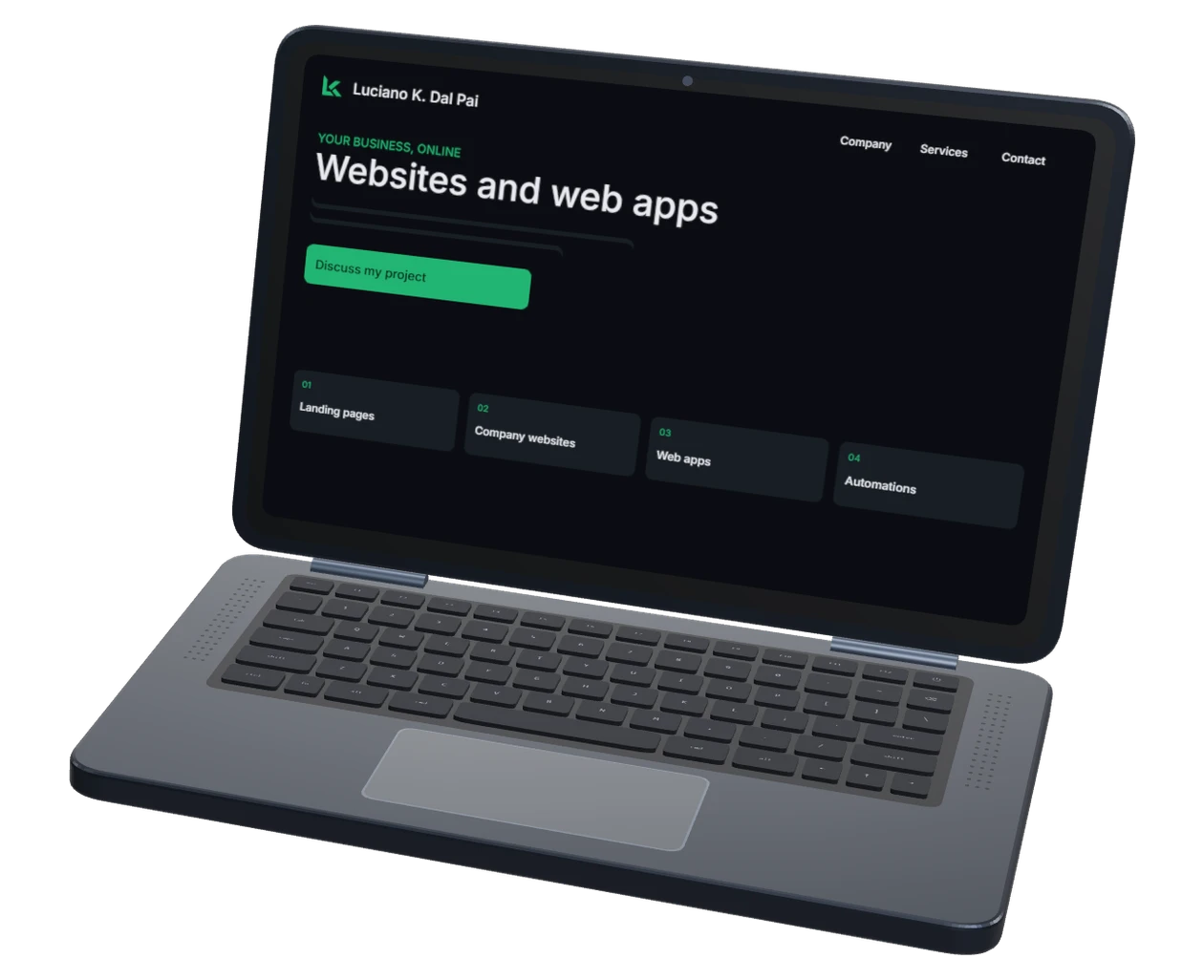
3D laptop showing a preview of this site

Luciano K. Dal Pai · Web development

Websites and web apps

I build landing pages, business websites, web apps and automations that present your services, make it easier for clients to reach you and keep day-to-day processes organized.

Available for new projects

(01)

Services

Four kinds of project, each for a different need.

Before talking about technology, it helps to understand what you need to solve. Here is what each service is, when it makes sense and what the project can include.

01One page focused on your offer

Landing page

A single page focused on one offer or one specific goal. All of its content guides visitors to understand the proposal and get in touch.

When it makes sense
  • Presenting a specific service
  • Promoting a launch, event or campaign
  • Receiving quote requests in an organized way
  • Getting started online with little content
What it can include
  • A clear presentation of the offer
  • Sections for benefits, details and frequently asked questions
  • Contact buttons throughout the page
  • A layout adapted to desktop, tablet and phone
  • Basic setup for search engines and link sharing
How it works in practice

You share the information about your offer and we organize the content together into a sequence: introduction, benefits, details and contact. Then I build the page and fine-tune how it reads on every screen size.

Tell me which offer you want to present, and to whom.

Talk about a landing page

02Your business, your services and your story

Business website

A website with pages or areas that present the company, its services, useful information and ways to get in touch. It is the company's presence on the internet, organized so that each visitor finds what they are looking for.

When it makes sense
  • The company offers more than one service or serves different audiences
  • Clients keep asking for the same information, such as address, opening hours and how you work
  • You want an official address to share on social media, business cards and in conversations
  • The content is expected to grow over time
What it can include
  • Pages such as Home, About, Services and Contact
  • A navigation menu adapted to phones
  • A page for each service
  • Map, opening hours and contact channels
  • Basic setup for search engines and link sharing
How it works in practice

First we decide which pages the website needs and how they connect. That map shapes the menu and the order of the content. Then I build the pages, keeping the same visual style across all of them.

Tell me what your company does and what information your clients look for most.

Talk about a business website

03A tool tailored to your business

Web app

A tool used in the browser to carry out tasks and organize business information. Instead of scattered spreadsheets and messages, the data sits in one place, available to the people who need it.

When it makes sense
  • The team keeps track of information across several spreadsheets or notes
  • Requests arrive through different channels and get lost
  • You need to know which stage each order or service request is at
  • An internal task is repeated every day and always follows the same rules
What it can include
  • Records for clients, products or services
  • Tracking requests by stage
  • Dashboards that summarise information
  • Reports and data export
  • Different access levels for each team member
How it works in practice

We start with the current process: who takes part, what information moves around and where the difficulties are. From there we define the priority features for a first version. New features can be planned later, in agreed stages.

Tell me how the process works today and what gets in the way the most.

Talk about a web app

04Connected tools, less manual work

Automations and integrations

Connections between the tools you already use, so that information moves on its own to where it needs to go. The idea is to reduce repetitive tasks, such as copying data from one place to another or notifying someone by hand.

When it makes sense
  • You copy the same information between systems, spreadsheets or emails
  • Incoming orders have to be passed on to another person or tool
  • Notices and confirmations are sent one by one
  • The company's tools don't talk to each other
What it can include
  • Sending form data to spreadsheets or other systems
  • Automatic email notifications
  • Integration with services that offer an API
  • Scheduled routines, such as generating a periodic report
How it works in practice

We map the routine step by step and find where information is copied or passed on by hand. Then I check what each tool allows, build the automation and we test it with everyday situations before putting it to use.

Tell me which tools you use and which task you'd like to automate.

Talk about an automation

(02)

Works on every device

The content adapts to each visitor's screen.

Text, images and menus adapt to computers, tablets and phones to make reading and navigation easier.

  • Comfortable readingTypography and spacing tuned for reading on any screen.
  • Clear navigationMenu and sections organized to take visitors straight to the information.
  • OptimizedLightweight pages and optimized images for fast loading.
  • Accessible contactContact channels always visible, one tap or click away.
Illustration: the same content arranged for three screen sizes.

(03)

How it works

From first contact to launch, in six steps.

Step by step

Each step has a clear purpose. You take part in the important decisions and know what comes next.

  1. Understand the need

    We talk about your business, your audience and the problem the project needs to solve.

  2. Define the project

    We define features, priorities and scope. Based on that, I present the price and the timeline.

  3. Plan the screens

    I plan the look and the navigation for desktop, tablet and phone before development starts.

  4. Build and test

    I build the pages and features and test how they work on different screen sizes.

  5. Review and launch

    You review the result, we make the agreed adjustments and I get everything ready to go live.

  6. Plan the next steps

    You get guidance on how to use it. Maintenance and improvements follow whatever we agree on.

(04)

Who builds it

Nice to meet you, I'm Luciano K. Dal Pai

I'm a software engineer based in Brazil and I work independently, building websites and web apps for individuals and companies. You talk to me directly at every step, and I'm responsible for the planning, the development and the agreed deliverables.

  • Direct contact, no middlemen
  • Scope, price and timeline agreed before work starts
See my background on LinkedIn

(05)Contact

Tell me what you need.

Write about your business and what you'd like to solve. We'll talk about the most suitable option and, if it makes sense, I'll prepare a quote.

To get started, it helps to share:

  • What your company does and who it serves
  • What you need to solve or promote
  • Whether you already have a website, domain or tools in use
  • Whether there is an important date for the project
Loading email…

I usually reply within 24 hours

Local time: --:--